GoodApps / ParquetPeek

Data tools
ParquetPeek
Open your data.
Get to the answer.
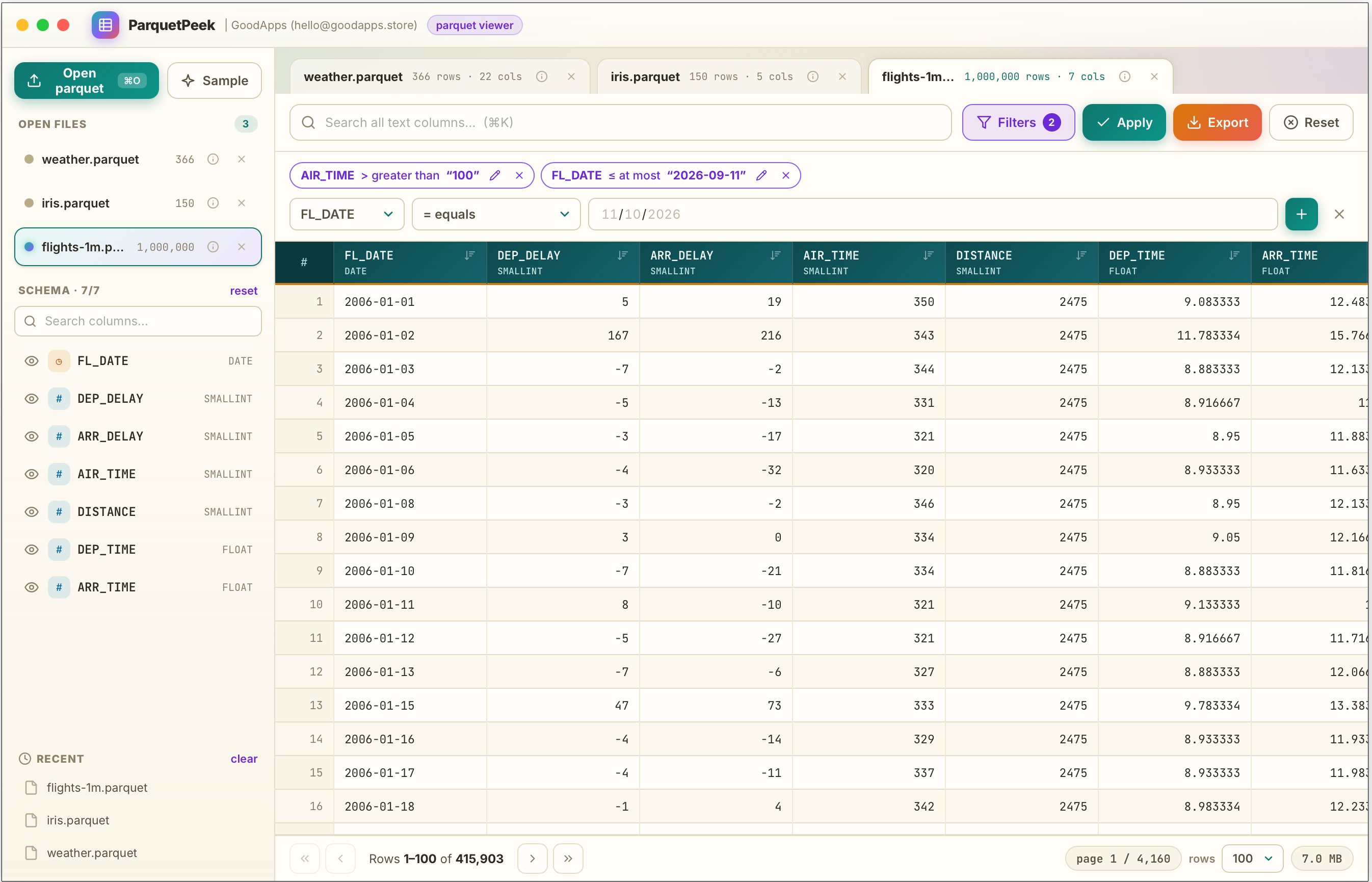
Inspect Parquet files without writing a script. Browse schemas, filter and sort rows, and export exactly the data you need to CSV. Everything runs on your machine.
Open Parquet files without writing a script.
v0.1.1 · macOS, Windows, Linux · Free & open-source
Free & open-source No account needed · Downloads on GitHub
- Availability
- Free and open-source
- Source code
- View on GitHub
- Alternative to
- a hosted BI seat
- Platforms
- macOS, Windows, Linux
Answers are a few clicks away.
- Large-file friendly — Only the visible page loads at a time with pagination, so multi-gigabyte files stay snappy.
- Schema & filters — Column search, one-click show/hide, type-aware filter builder, and click-to-sort on every column.
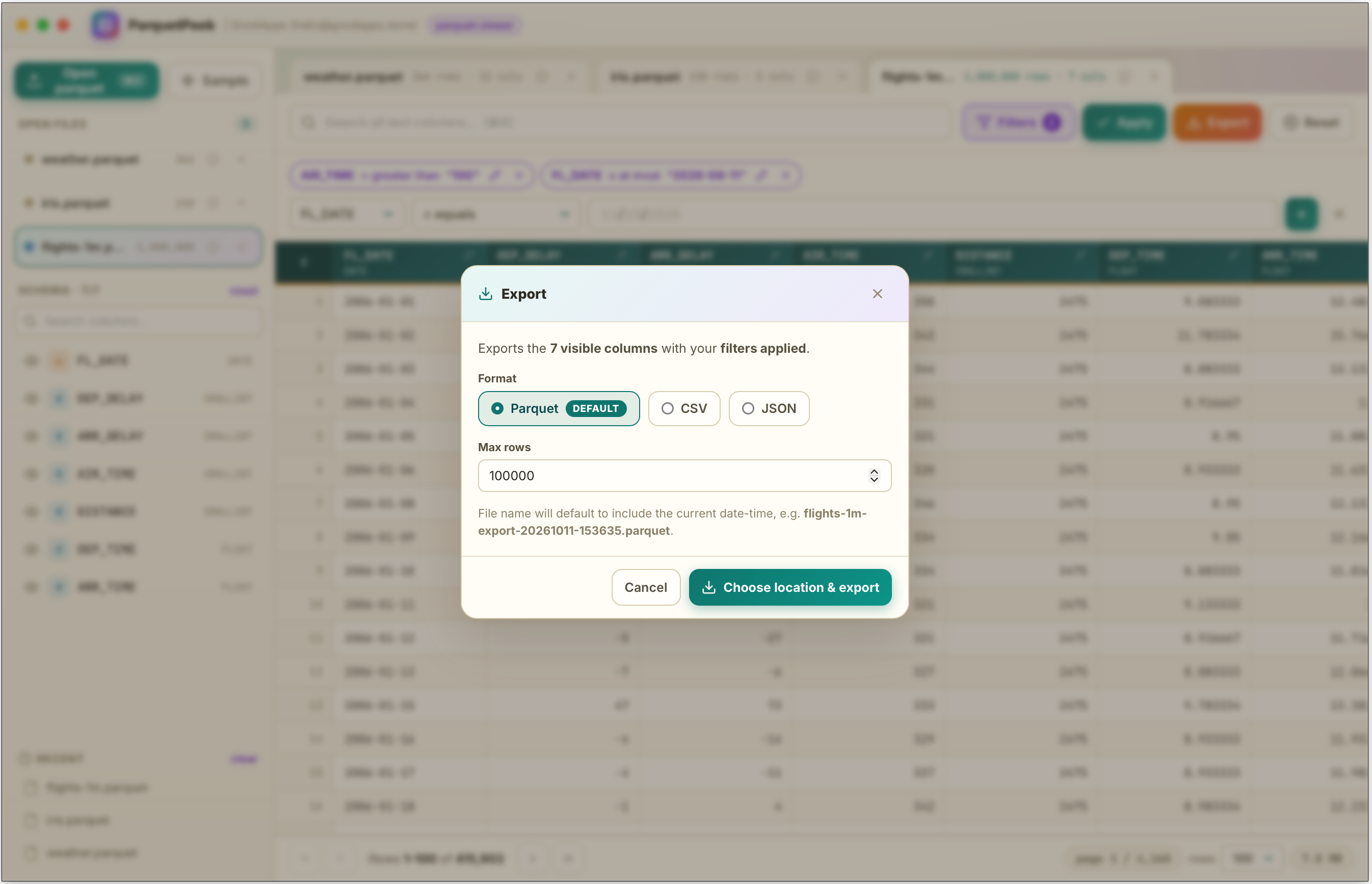
- Inspect & export — Side row viewer with JSON trees, column stats, and CSV export of the current view.
External requests
- App-specific activity: None; Parquet files are opened and processed locally.
Get started with ParquetPeek.
Choose your computer below to download the installer directly. Most Windows and Linux PCs use Intel / AMD. For Macs, check Apple menu → About This Mac: an Apple M-series chip means Apple silicon; an Intel processor means Intel.
First-launch tips
- macOS: drag the app into Applications, then try opening it. For an unidentified developer prompt, go to System Settings → Privacy & Security → Open Anyway, if offered. If macOS says the app is damaged, download a fresh copy using the links above. If the warning persists, follow the Terminal steps in the security warning above .
- Windows: if SmartScreen prompts, choose More info, then Run anyway .
- Linux: AppImage is portable — mark it executable and run it.
Keep exploring