GoodApps / Finance Tracker

Personal finance
Finance Tracker
Know your money.
Plan your next move.
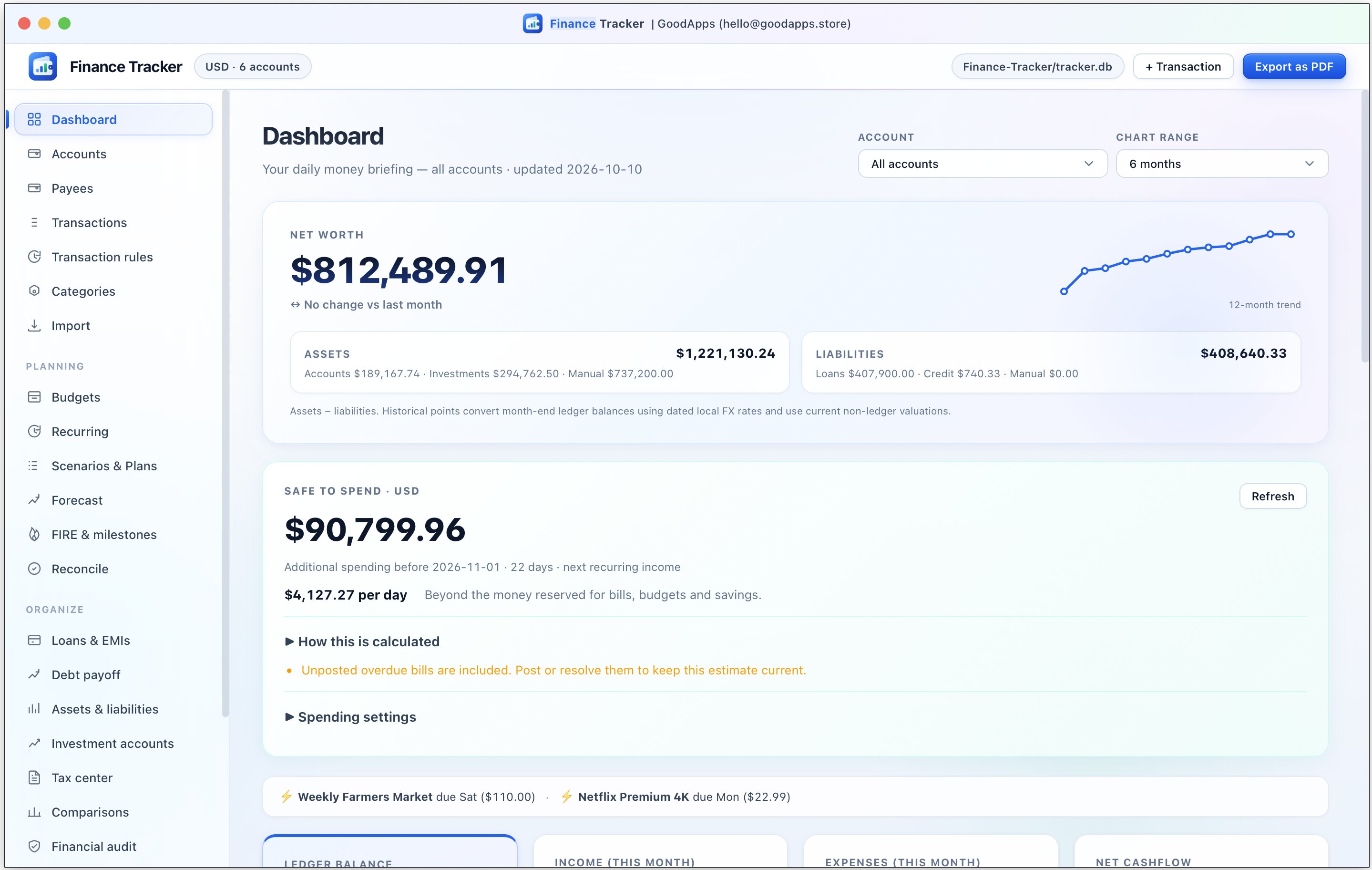
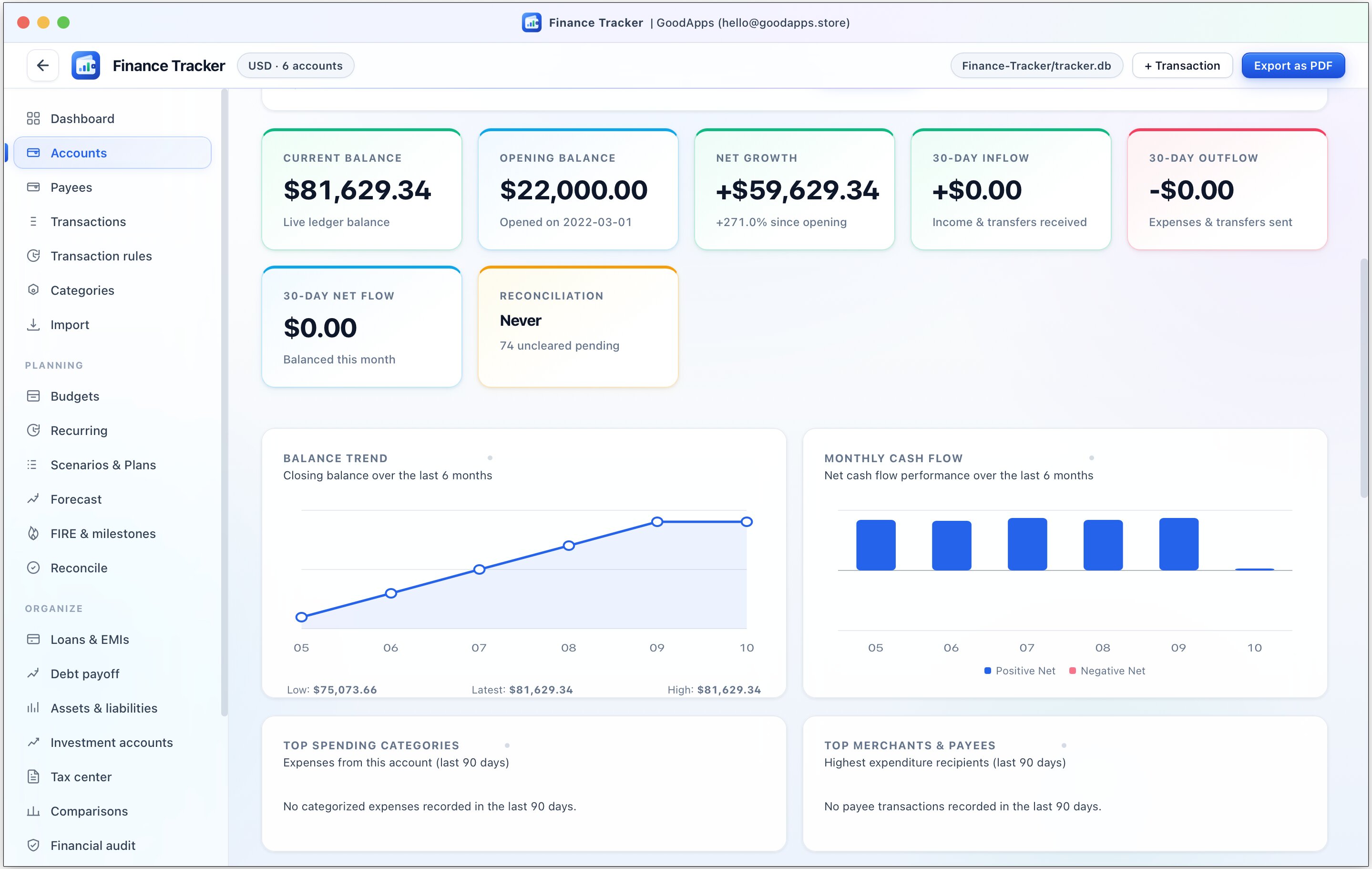
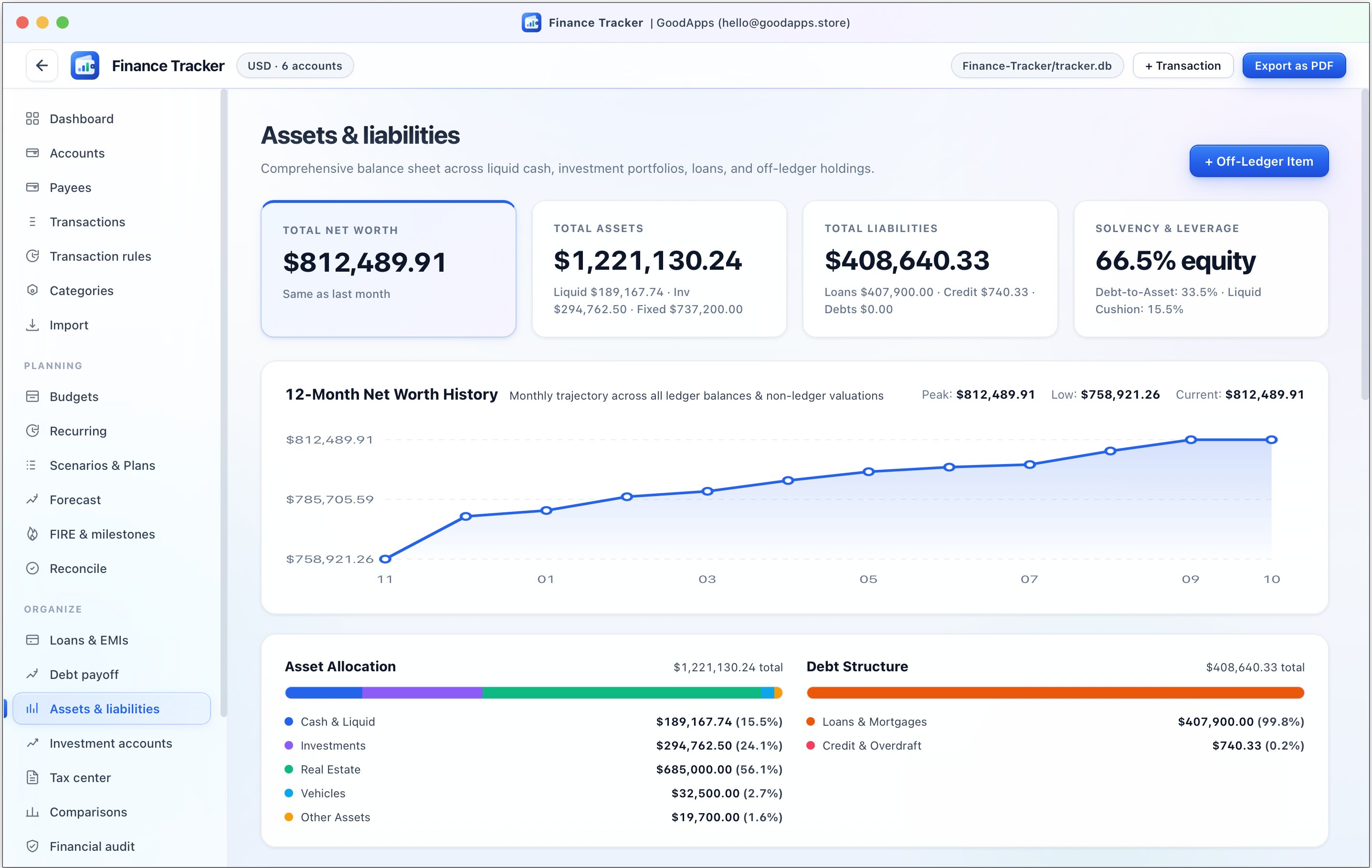
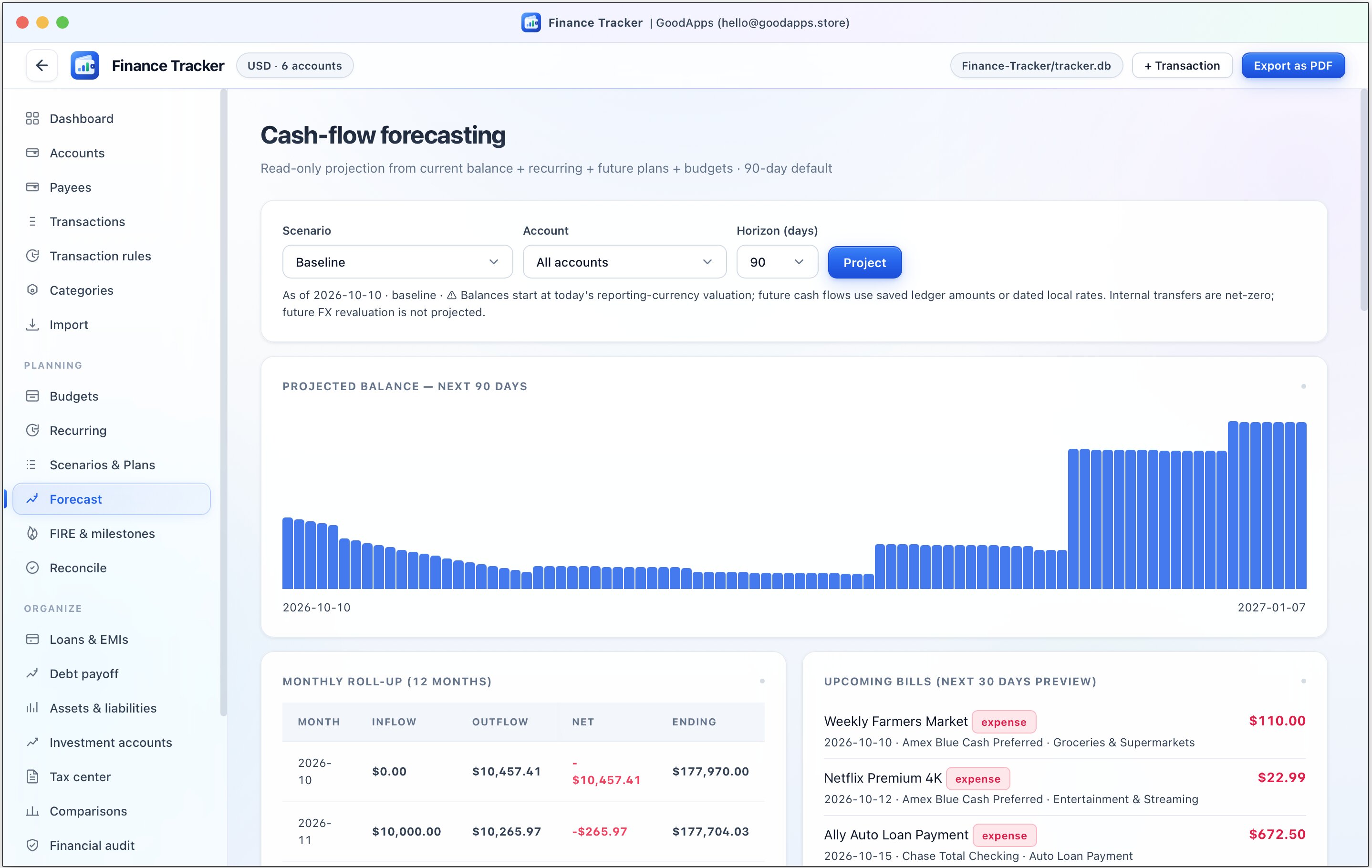
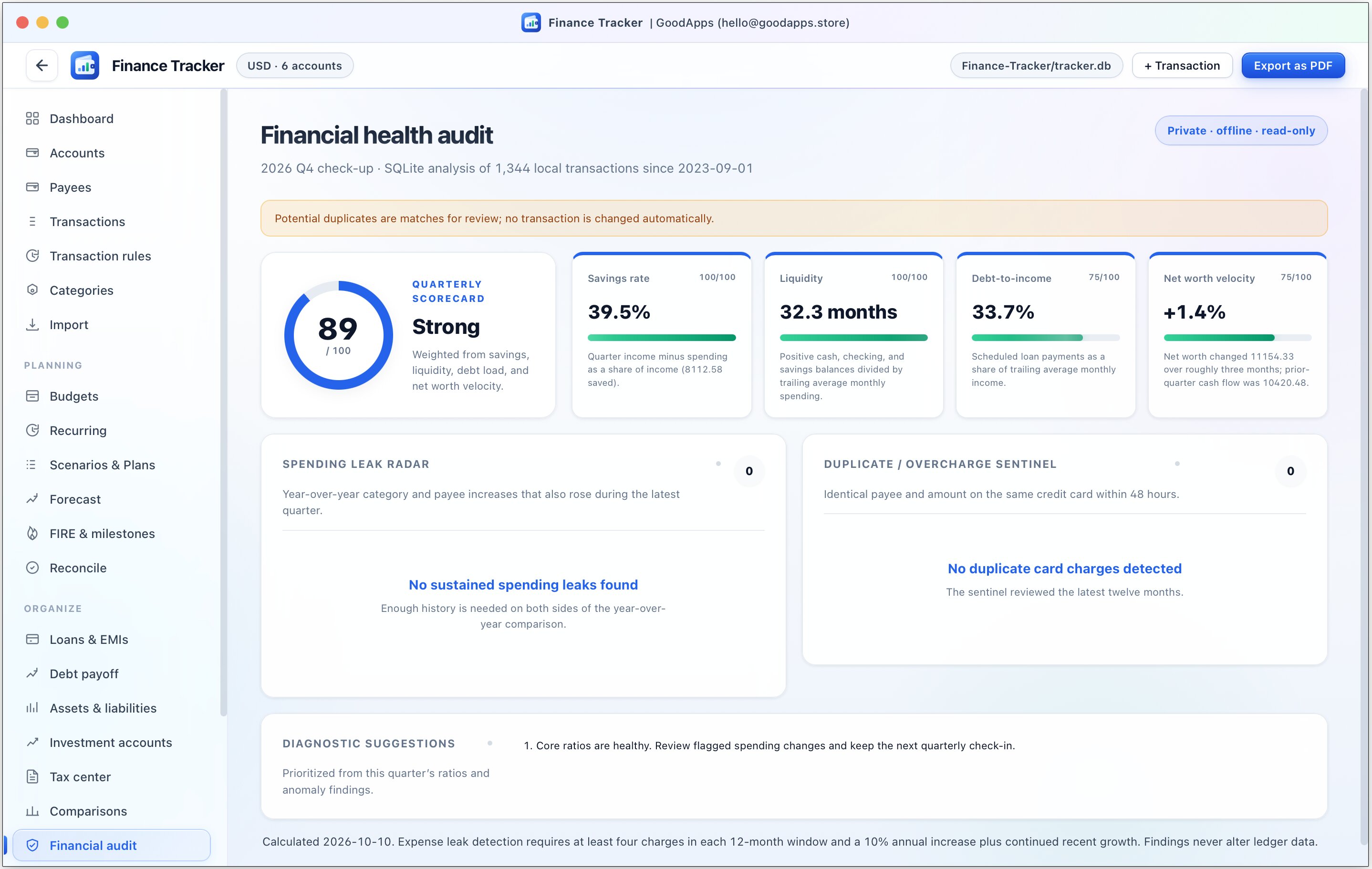
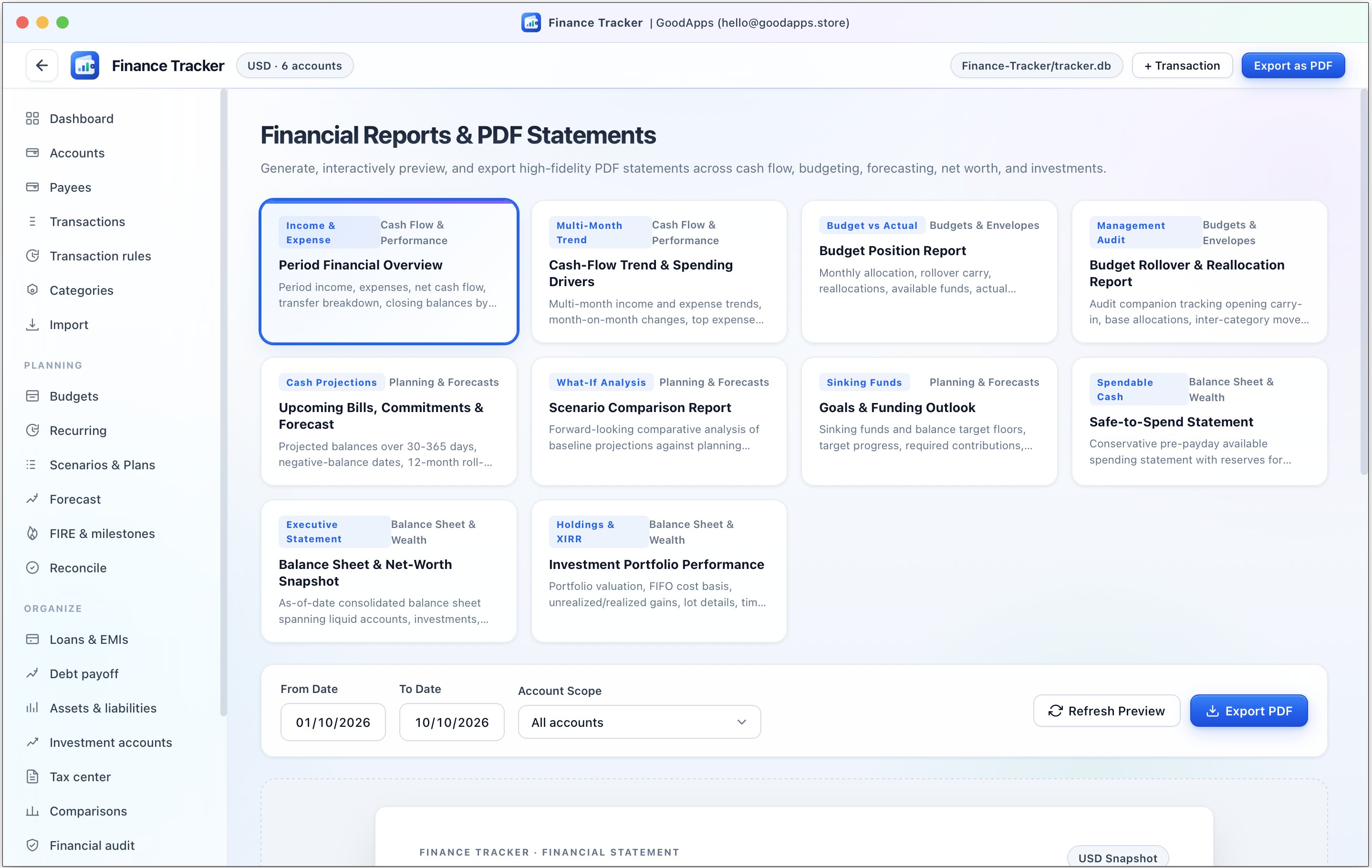
Bring accounts, budgets, and transactions into one view. Import bank statements, explore cash-flow forecasts, and plan ahead, with your records stored in one local file.
Free replacement for YNAB and Mint.
v0.1.0 · macOS, Windows, Linux · Free & open-source
Free & open-source No account needed · Downloads on GitHub
- Availability
- Free and open-source
- Source code
- View on GitHub
- Alternative to
- YNAB / Monarch
- Platforms
- macOS, Windows, Linux
The full picture of your finances.
- Full ledger — Accounts, categories, transfers, reconciliation, split transactions, and rules — with undo everywhere.
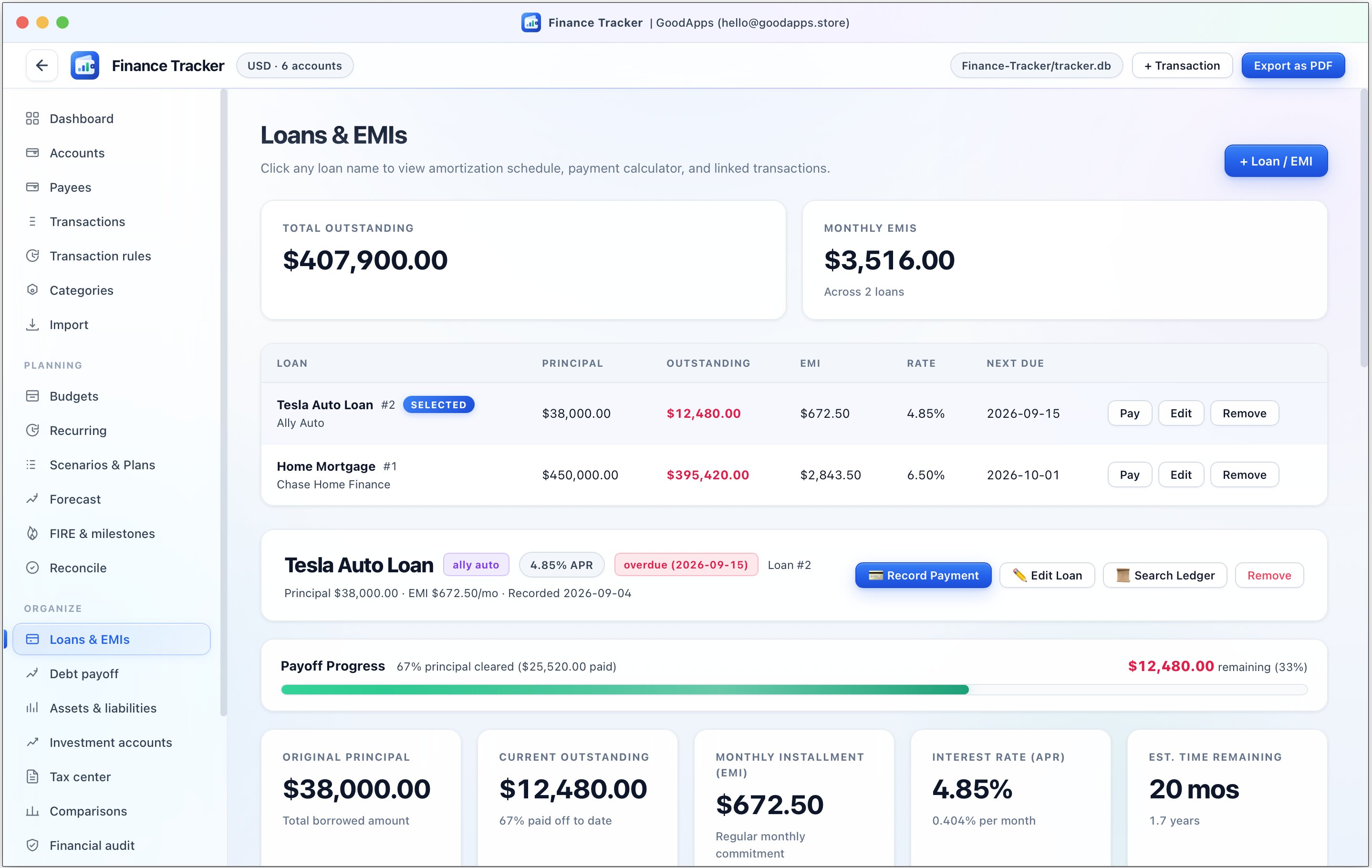
- Plan ahead — Cash-flow forecasting, scenarios, recurring rules, loans & EMIs, and safe-to-spend guidance before payday.
- Private by default — One local .db file, multi-currency support, PDF reports, and optional desktop notifications.
External requests
- App-specific activity: When you request a currency conversion, Finance Tracker sends a currency-rate request to its exchange-rate service.
Get started with Finance Tracker.
Choose your computer below to download the installer directly. Most Windows and Linux PCs use Intel / AMD. For Macs, check Apple menu → About This Mac: an Apple M-series chip means Apple silicon; an Intel processor means Intel.
First-launch tips
- macOS: drag the app into Applications, then try opening it. For an unidentified developer prompt, go to System Settings → Privacy & Security → Open Anyway, if offered. If macOS says the app is damaged, download a fresh copy using the links above. If the warning persists, follow the Terminal steps in the security warning above .
- Windows: if SmartScreen prompts, choose More info, then Run anyway .
- Linux: AppImage is portable — mark it executable and run it.
Keep exploring